D2R Mobile Touch & Controller Guide: Gestures, Button Maps & Which to Use
Quick Answer
- Design principle
- Keep the original interface language; replace buttons with gestures — not a gamepad pasted on the screen.
- Controller
- Connect any pad and press a button: the interface switches to the original controller layout with Switch button prompts. Touch the screen to switch back instantly.
- Coverage
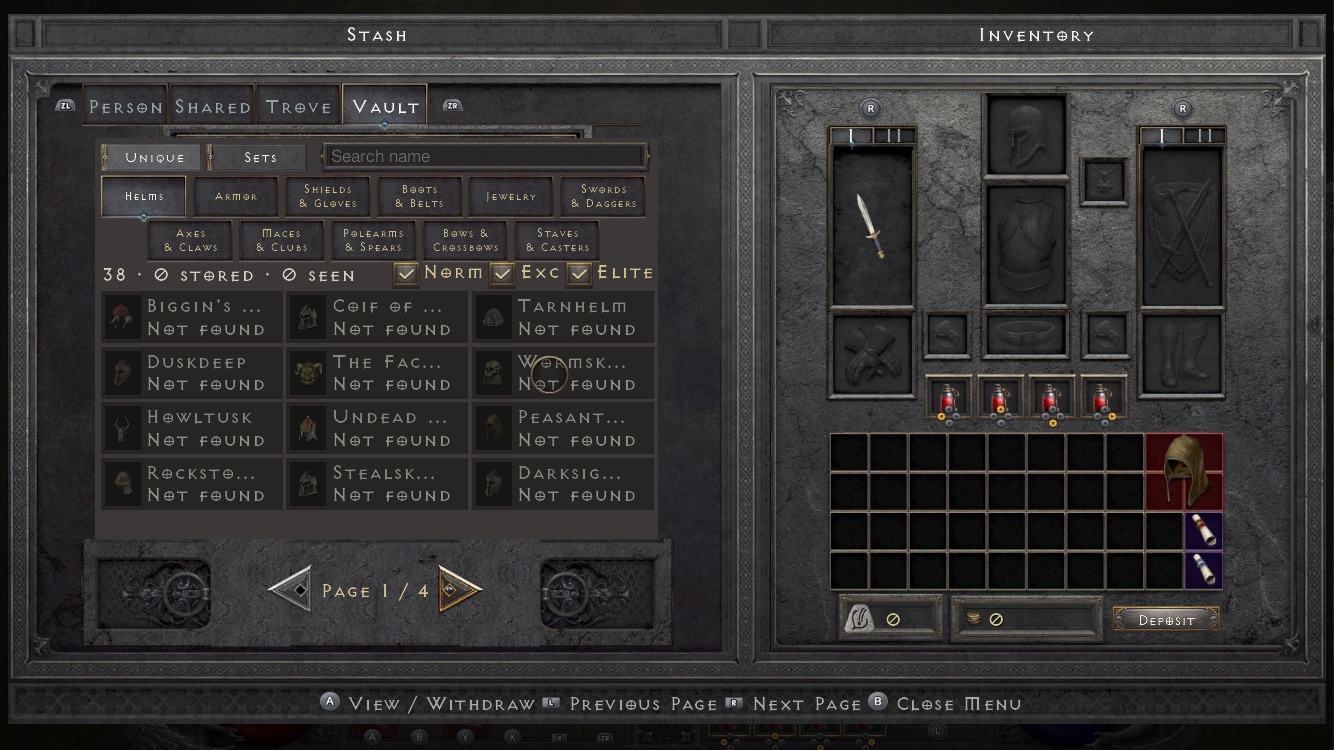
- Inventory, stash, skill tree, Chronicle and settings are fully controller-navigable.
The Touch Scheme
The project's stated principle: "keep the original interface language, and use gestures instead of adding buttons to the screen." In practice that means every original panel stays recognizable — you already know how to play; your thumbs just learn a new dialect:
| Action | Gesture |
|---|---|
| Move | Virtual stick with precise diagonals; tap an NPC or the ground to path there automatically; doors, portals and cave entrances are tappable across their whole surface |
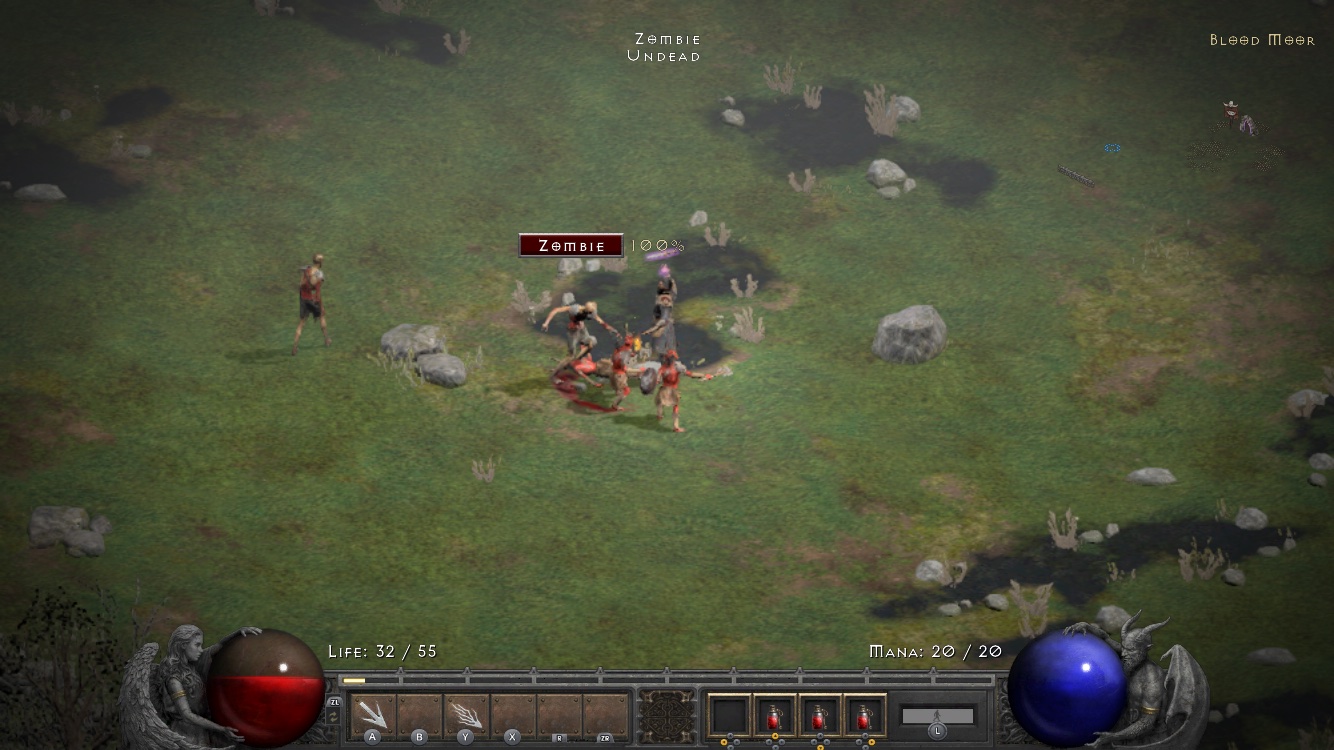
| Fight | Press a skill button to cast, hold to keep casting, drag to aim at any angle; nearby monsters are targeted automatically |
| Secondary-weapon skills | One tap — the game swaps weapons, casts, and swaps back; the button shows charges remaining |
| Boss health bar | Pinned to the top of the screen with percentage remaining |
| Equip gear | Double-tap to equip or unequip |
| Sell | Drag an item anywhere onto the vendor panel |
| Take from stacks | Double-tap takes 1, long-press takes 3 |
| Sort inventory | Long-press an empty slot |
| Text | System keyboard; character names can be in Chinese |
Two skill sets are available, and the boss bar's percentage display is a small honest upgrade over the console original — on a phone you cannot eyeball a health bar across the room, so the number does the work.
Controller Mode
Connect a controller and press any button. Three things happen, per the project's documentation:
- The interface switches to the original controller layout — the real one from the console release, not a phone approximation;
- Button prompts appear at the bottom of every panel — inventory, stash, skill tree, Chronicle, settings all fully navigable;
- The button mapping is the same as Switch — your muscle memory from the console version transfers intact.
Touch the screen at any time and you are back in the touch interface instantly. There is no settings pilgrimage to switch modes — the two schemes stack, and whichever input you are physically using wins.
Which Should You Use? (Our View)
| Situation | Recommendation |
|---|---|
| Questing, exploring, talking to NPCs | Touch — auto-pathing makes traversal effortless |
| Boss fights (Uber stages, Boss Rush) | Controller — precise diagonals on a stick beat drag-aim under pressure |
| Inventory sessions after a farm run | Either — double-tap/long-press gestures are fast once learned; controller prompts work too |
| Commuting / one-handed play | Touch only — this is what the port was redesigned for |
| Long Greater Rift pushes | Controller + power-saver mode: 30 fps halves battery draw, and stick control holds up through long sessions |
The honest summary: this port's touch scheme is the most thorough re-think of Diablo II's interface any release has shipped — but the controller mode existing at full Switch parity means you never have to commit. Use both; switch by feel.
Controls FAQ
Which controllers work?
The project documents "a controller" generically with Switch-parity mapping — MFi/Bluetooth pads that iOS supports are the expected class. We will list confirmed models here as reports arrive.
Can I remap buttons?
The project documents the same button mapping as Switch, without mentioning a remap option. Treat the layout as fixed-by-design.
Does the touch UI work with a controller connected?
Yes — touch the screen and the interface switches back to touch instantly; the modes stack rather than toggle.
Gesture table and controller behavior from the d2r-mobile project README (accessed 2026-10-15). The which-to-use recommendation is our editorial judgment.