D2R Mobile Supported Devices: Every iPhone, iPad & Mac Tested
Quick Answer
- Minimum chip
- A14 / M1 or later — the graphics layer needs Metal 3.
- Best case
- A17 Pro and later, and M-series iPads: install and play, 60 fps.
- Older flagships
- A16 and earlier still run it — with a Legacy Device Pack built from your own game files.
Can Your Device Run It?
The One Hard Limit: Metal 3
D2R Mobile implements the game's graphics API on Apple's Metal, with shaders translated offline from the game's originals. That translation targets Metal 3 — so the floor is set by Apple, not by the project: A14 / M1 or later. On an A12Z iPad Pro the app explains this at launch instead of crashing; the project tested that device specifically to confirm the boundary.
The Full Compatibility Matrix
From the project's device table, cross-checked against its 44-device closed beta. The confidence column keeps the project's own wording — it is part of why this table is worth trusting.
| Device | Playable | How | Confidence (project's own) |
|---|---|---|---|
| iPhone / iPad, A17 Pro+ (15 Pro, 16, 17 series; M-series iPads) | Yes | iOS 26+: default build · iOS 18–25: older-API build | Main devices, played daily |
| iPhone / iPad, A16 and earlier (14 family, 15/15 Plus, 13 series) | Yes* | Build a Legacy Device Pack into the package | Played by players: 14 Pro Max (A16) at 60 fps; 13 Pro Max (A15) at 30 fps |
| 4 GB RAM devices (e.g. 4th-gen iPad Air) | Not yet | App is killed seconds after launch — out of memory | Tested by a player; memory use being reduced |
| A14 with 6 GB+ RAM (12 Pro / Pro Max) | No reports | Same as A16-and-earlier route | Project asks users to report |
| A13 and earlier (11 series, 2020 iPad Pro) | No | No Metal 3 | App states it at launch |
| Mac (Apple silicon) | Yes | Native App; keyboard, mouse, gamepad | Player-verified on macOS 15.7.7 |
| Apple TV 4K (3rd gen, A15) | Preview | Community port; real hardware only | Character-select reached on author's device |
| Intel Macs | No | — | — |
What "Supported" Looks Like on Each Screen
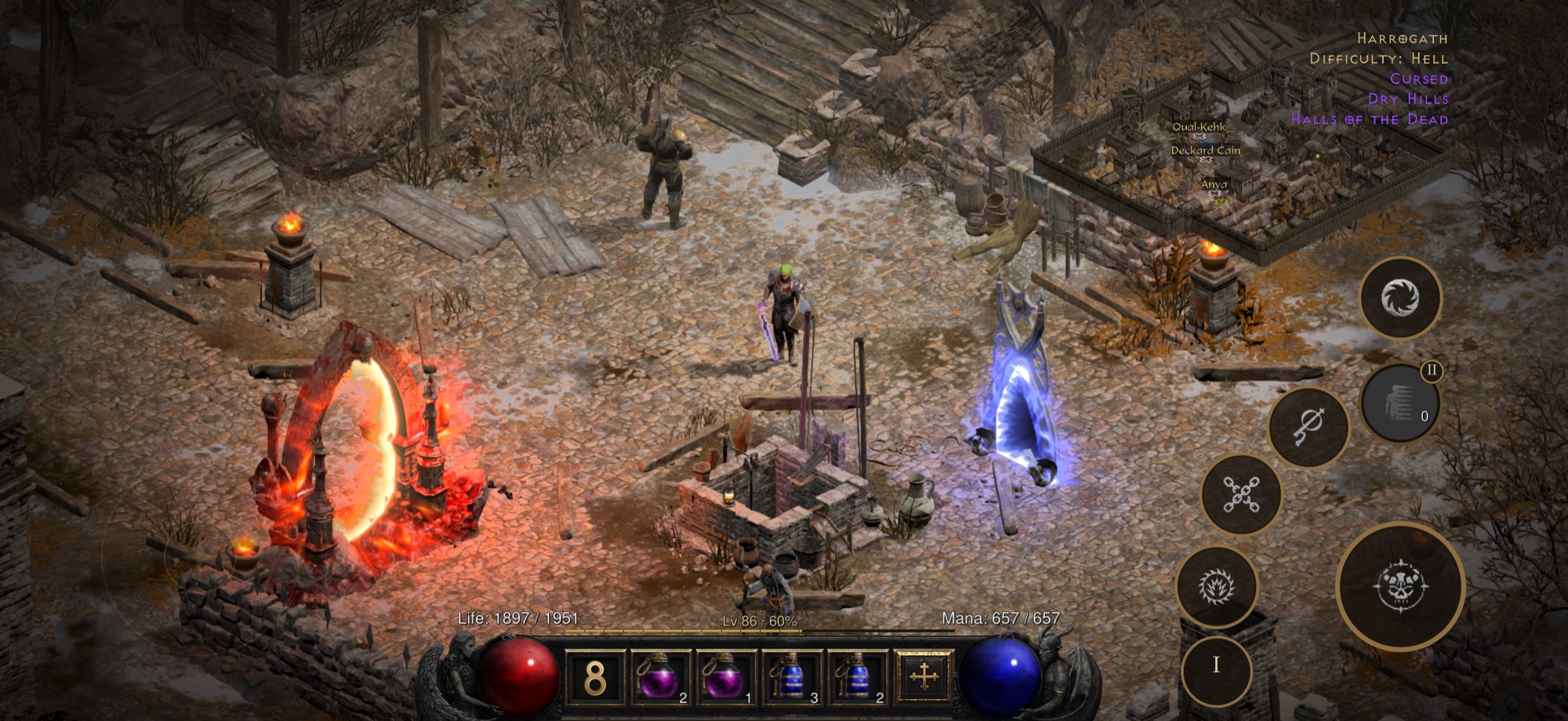
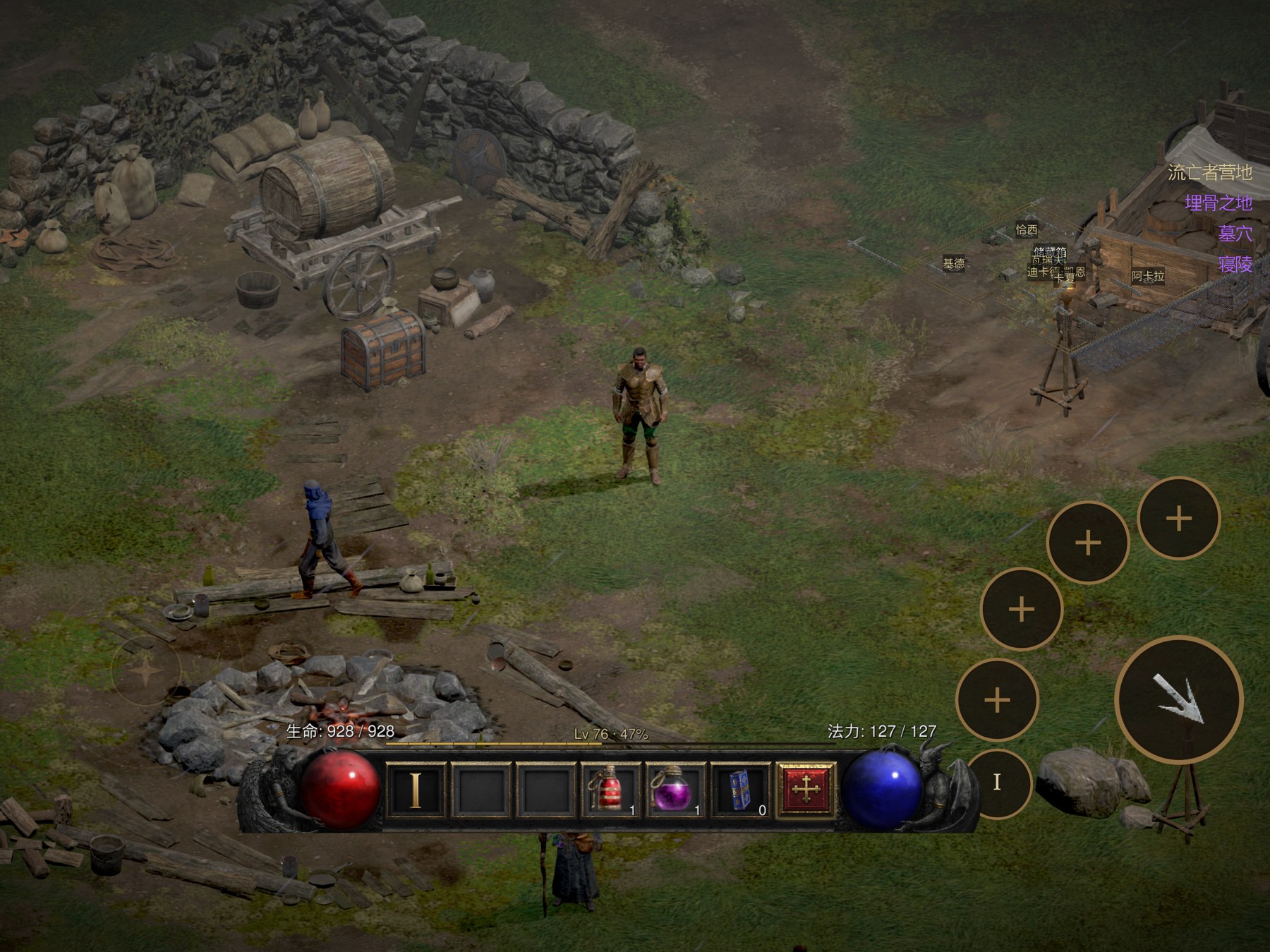
The Legacy Device Pack, Explained
Why does an iPhone 14 Pro Max — a flagship — need an extra step? Older chips (A16 and earlier) do not support the game's original compressed texture format. The fix is a texture pack built from your own game files, included when you make the install package. With the pack included, the project reports the same full frame rate: the A16-based iPhone 14 Pro Max was its lowest-model beta device and held a flawless 60 fps.
If you see "One More Step for This Device" at launch, that is exactly this step missing. Older app versions phrased it as "Device Not Supported" — update the app, then make the pack. The install guide's error decode covers both dialogs.
Frame Rate and Battery, Measured
The project publishes measured numbers, not marketing ones (iPhone 17 Pro Max, Act I camp, 50% brightness, measured 2026-10-10):
| Measurement | Reading |
|---|---|
| Frame rate in game | 60 fps steady, no drops once the device warms up |
| Main menu → in a game | about 1 second |
| Whole-device power at 60 fps | about 3.8 W → roughly 5 hours of continuous play |
| Power-saver mode (30 fps) | about 1.85 W → about double the battery life |
| Act-change longest frame | about 0.1 s |
Device FAQ
My iPhone is on iOS 18, not iOS 26. Do I need to update?
No. The project ships an older-API build for iOS 18–25 (and macOS 15–25). Pick the matching shell/build in the install guide's route table.
Will a 4 GB iPad work with the Legacy Pack?
No — the failure is memory, not textures. A player tested an iPad Air 4 (A14, 4 GB) with the pack: the system kills the app seconds after launch.
Which iPad should I buy to play this?
Any iPad with an M-series chip plays the default build with no extra steps. If you already own an older iPad, check the chip column in the matrix above before buying anything.
Source: d2r-mobile project README device table and measurement notes, accessed 2026-10-15. Confidence wording belongs to the project. This page will be updated as device reports arrive.